Edit External Parameters
To edit the external parameters for a package, do these steps:
- Select Catalog | Packages from the sidebar menu.
- Click a Package from the list to display the Package Details page.
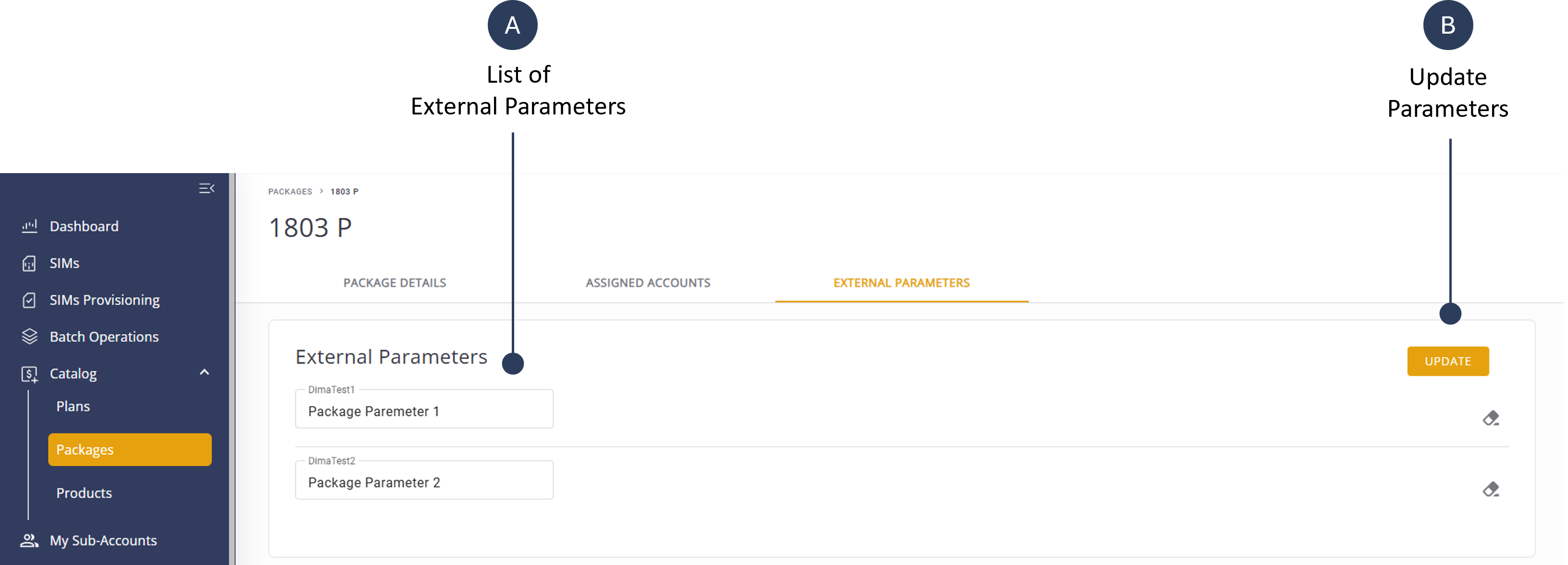
- Select the External Parameters tab to display a list external parameters associated to the selected package.
- Modify the appropriate parameter values.
- Click Update to save the parameter values.
A screen capture of the External Parameters tab is shown here.